Chrome extension updates v0.7.4
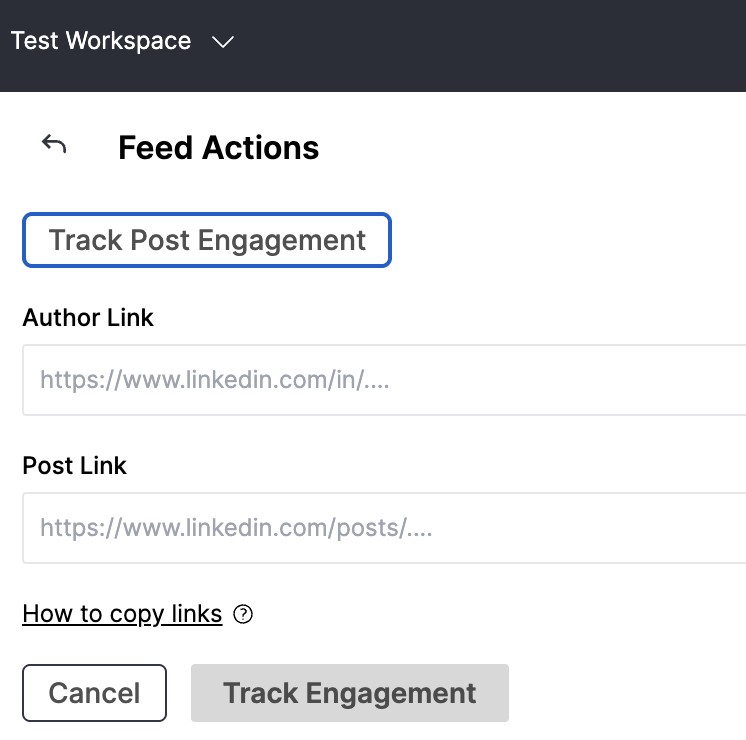
Major changes The Chrome extension side panel can now only be activated by clicking on the extension icon in your browser toolbar. If you cannot see it among other extensions, click on the "puzzle" button and pin the extension. Fixes We've re-implemented feed post engagement tracking feature inside the Chrome extension side panel instead of a button under specific posts. It will help us move forward without relying on the breaking changes in LinkedIn page layout. Open the side panel by clicking on Teamfluence extension icon. Click on "Track post engagement" Copy the content and author links from the feed or company profile into the side panel form. Select target list (Networking campaign or Lead monitoring) Click on the "Track engagement" button.